
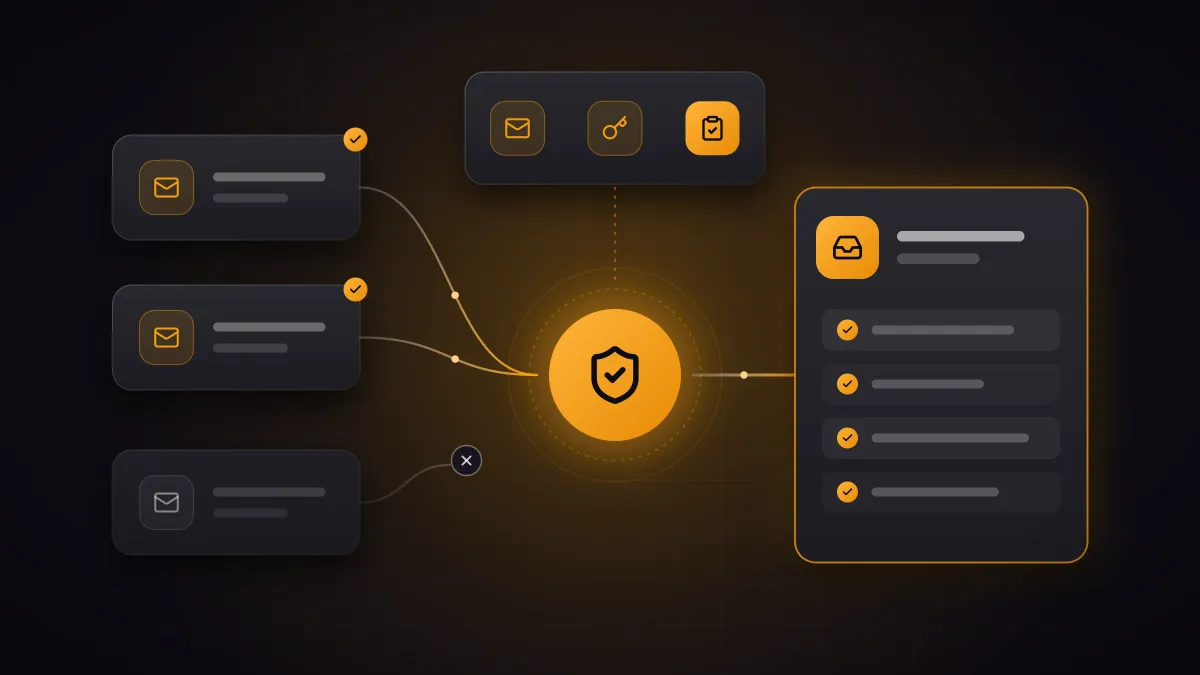
SPF, DKIM and DMARC are three records in your domain’s DNS. SPF lists the servers that may send email in your name. DKIM signs every message, so the recipient can see that it comes from your system and was not altered on the way. DMARC tells the receiving server what to do with messages that fail these checks. If DMARC is missing or only set to monitor, anyone can send emails that show your domain as the sender.
The records themselves are quick to set up. The real work comes first: finding out who sends email with your domain as the sender. Miss one, and after the switch it may be your invoices that end up in spam.
Why should you care?
Many fraud attempts start with a sender people trust. In August 2026, CERT.at warned of a rise in such cases against Austrian organisations, known as business email compromise: the supposed managing director who needs an urgent and confidential transfer, a supplier’s “updated” invoice with new bank details, or a request for payslips from someone posing as HR. Among CERT.at’s recommendations is to implement SPF, DKIM and DMARC and to enforce DMARC at “reject” for your own domains.
The large mailbox providers require the records too. Since February 2024, Google has expected SPF or DKIM from all senders. Anyone sending 5,000 or more emails a day to Gmail addresses needs all three. Messages that don’t meet the requirements may be marked as spam or rejected.
What do SPF, DKIM and DMARC check?
SPF (Sender Policy Framework) is a TXT record listing every server that may send for your domain, for Microsoft 365 for instance include:spf.protection.outlook.com. It applies to the sender address on the envelope of the message, which the inbox doesn’t even display. A domain may have only one SPF record, and evaluating it may trigger no more than ten further DNS lookups. Every include counts, including the ones a service adds in turn.
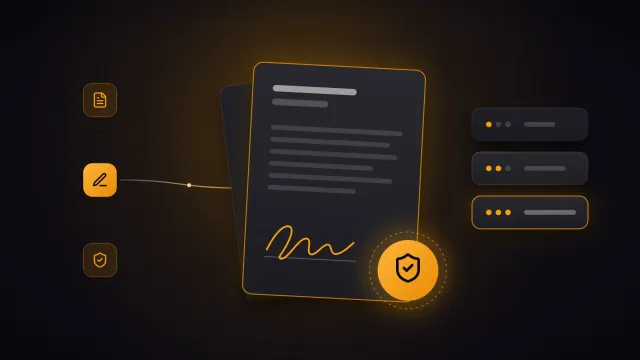
DKIM (DomainKeys Identified Mail) is a digital signature. Your mail system signs every outgoing message, and you publish the matching public key in DNS under a selector such as selector1._domainkey. The recipient uses it to check that the message comes from your system and was not changed on the way. Unlike SPF, the signature survives forwarding as long as nobody alters the content.
DMARC ties both to the address shown as the sender in the inbox. A message only passes DMARC if SPF or DKIM passed for the domain in that address. This is the crucial point: without DMARC, a fraudster can pass SPF with their own domain and still display your address. In the DMARC record under _dmarc, you also set what happens to messages that fail (none: nothing, quarantine: spam folder, reject: refuse them) and where recipients send reports. The current standard is RFC 9989, published in 2026.
Who actually sends email in your name?
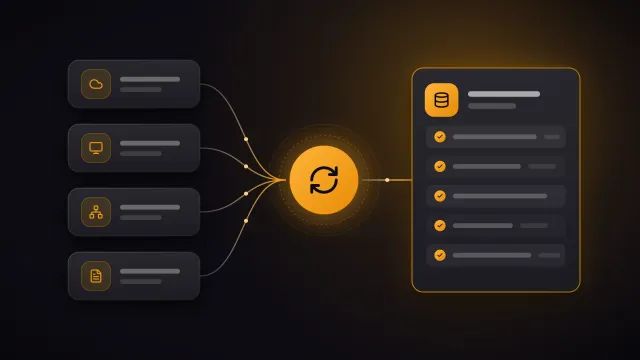
Before DMARC filters anything out, every genuine sender has to pass. The mail system is quickly done. The hard part is the services nobody thinks of during the switch:
- newsletter and marketing tools
- CRM and ticketing system, for quotes and service notifications, for instance
- invoicing, accounting, ERP and payroll
- the contact form on your website
- scanners and multifunction printers that send documents by email
- monitoring, recruiting and appointment booking
Each of these services should sign with your domain using DKIM. Many providers walk you through the DNS records in their settings. If a service can’t do that, add it to the SPF record and have it use your domain on the envelope as well. Otherwise it passes SPF but not DMARC.
For bulk mail such as newsletters, Microsoft recommends a subdomain of its own, such as news.company.com. Problems with that mail then don’t affect the reputation of the messages your staff write. As a side effect, the SPF record of the main domain stays short.
In what order do you switch over?
List the senders
Your mail system and every service that sends with your domain as the sender.
Clean up SPF
One single record for all services, with no more than ten DNS lookups.
Turn on DKIM
For the mail system and every service, each with your domain.
Monitor with DMARC
With “p=none” and an address for the reports, for at least a month.
Enforce
First “quarantine”, then “reject” after a few weeks without surprises.
Why at least a month? Some senders only appear once a month, such as the invoice run or payroll. If you tighten the policy after two weeks, you may never see them in the reports.
The large receivers usually send the reports once a day as a compressed XML file. They contain no message content, but the IP addresses of the servers that sent with your domain, the number of messages and whether SPF, DKIM and DMARC passed. Microsoft advises sending them to a dedicated mailbox rather than a personal address. A reporting service or a script makes them readable.
If an unknown sender shows up in the reports, there are two possibilities. If it is a forgotten service, set it up. If it is a forgery, you are looking at exactly what DMARC will soon protect you from.
Three details about the record: the current standard no longer has the once common pct parameter, which applied the policy to only part of the messages. There may be only one DMARC record; with two, recipients use neither. And the record of the main domain automatically applies to all subdomains that don’t have their own.
What about Microsoft 365?
Microsoft 365 only signs email from your own domain once you turn on DKIM for it. You do this in the Microsoft Defender portal, in the email authentication settings on the DKIM tab. On the first attempt the portal reports an error because the two CNAME records selector1._domainkey and selector2._domainkey are still missing. That is by design: the error and the domain details show the values to enter at your DNS provider. Copy them rather than typing them, as they are long and different for every organisation. Once Microsoft sees the records, turn on signing. Microsoft’s guide describes every step.
For SPF, Microsoft recommends v=spf1 include:spf.protection.outlook.com -all, extended by your other services. You create the DMARC record yourself at your DNS provider, as Microsoft 365 has no setting for it. In Google Workspace, you set up DKIM in the Admin console, where the selector is called google by default.
What DMARC doesn’t prevent
DMARC protects your domain. It does not help against three related tricks:
- a similar domain, with a swapped letter, an extra hyphen or a different ending, for example
- a third-party mailbox that only uses your name as its display name
- a compromised mailbox. The messages then really do come from your domain and pass every check.
What helps here is multi-factor authentication for all mailboxes and a fixed rule in the company: changed bank details and urgent payments are confirmed by phone, using a number you already have, never the one in the email. CERT.at recommends both as well. In an information security management system under ISO 27001, rules like these have a fixed place.
And domains you don’t send email from?
They can be used for forgeries too. For such domains, the UK’s National Cyber Security Centre recommends four records: v=spf1 -all, v=DMARC1; p=reject, a null MX and an empty DKIM key for all selectors. That way the domain states explicitly that it neither sends nor receives email.
Frequently asked questions
Can DMARC block genuine emails? Yes, if a sender that uses your domain is missing. That is why you start with “p=none”, analyse the reports and only tighten the policy once every genuine sender passes.
Do we really need all three records? Yes. DMARC builds on SPF and DKIM and only takes effect if at least one of them matches the domain in the sender address. DKIM matters most, because SPF fails for forwarded messages.
How long does the switch take? The records are set within a day. Getting to “reject” still takes a few weeks, because you monitor for a month first and then tighten the policy in two stages.
Have you run the domain check and want to close the gaps without your invoices or newsletters ending up in spam? We list every sender with you, set up the records and see the switch through to “reject”. Get in touch.